
Pause
Reset
Refocus

Digital Reset: When Technology Works for You Again

More devices. More photos. More files. More tabs. More notifications.
It’s Time to Regain Control!

What once felt empowering now often feels overwhelming. We search longer than we should.

We save everything “just in case.” We hesitate to delete because we’re not sure what matters—or where things even live.

Digital Reset is about keeping what’s meaningful, removing what gets in the way, and building simple systems that support how you actually live, work, and think. It is not about abandoning technology or chasing inbox zero at all cost.

Your digital world should help you remember, create, and connect—not distract you, drain you, or demand constant attention.

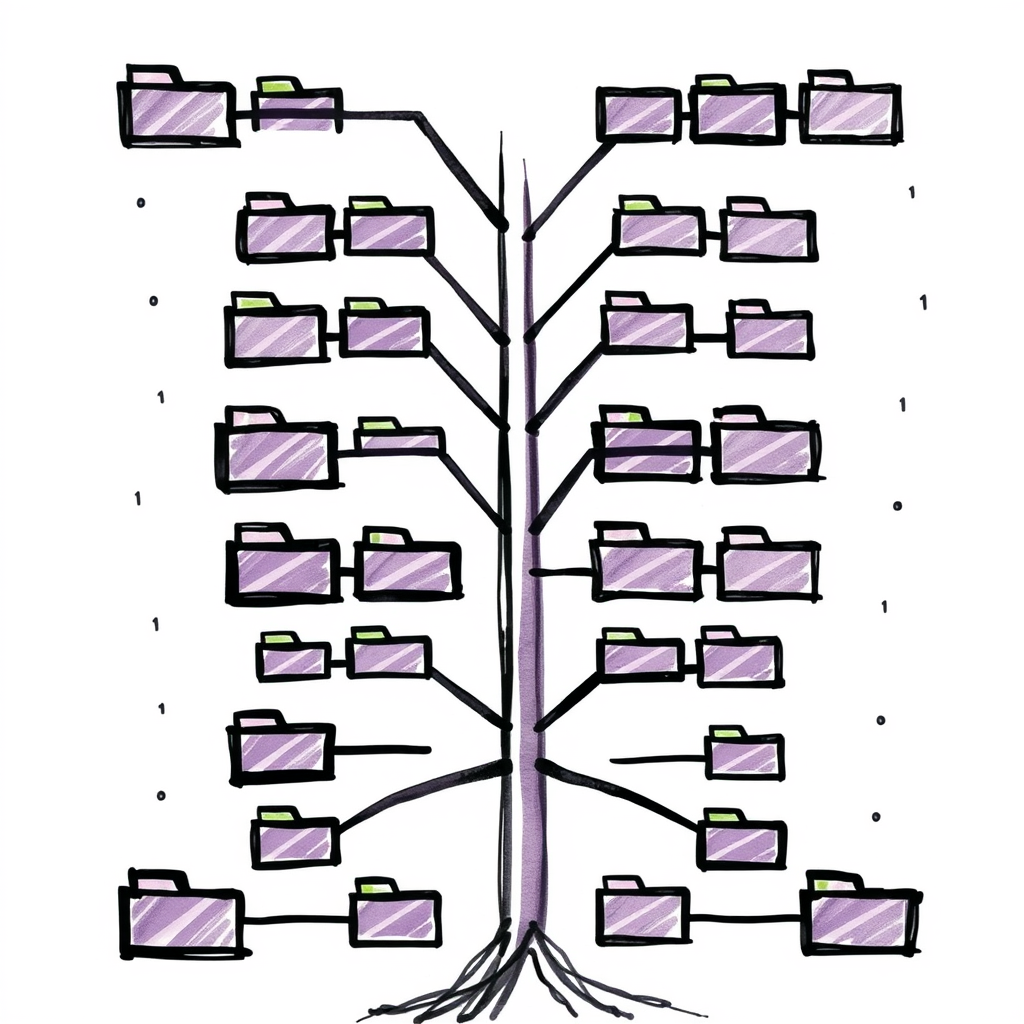
Digital Reset Folder Tree

Main Focus Areas

Files & Folders That Make Sense

Clear, human-friendly structures for documents, downloads, and projects—so you can find what you need when you need it.

Photos & Memories

Decide which photos and videos are worth keeping, how to organize them, and how to preserve the ones that truly matter.

Email & Subscriptions

Reduce inbox noise, unsubscribe strategically, and create an email flow that stays manageable without daily effort.

Devices & Clouds

Laptops, phones, tablets, and cloud storage—aligned, backed up, and no longer duplicating chaos.

Digital Habits

Small, sustainable routines that prevent clutter from creeping back in.

The Digital Reset Process
in 5 Easy Steps

01

Initial Assessment

We map your digital landscape: devices, apps on your phone, email accounts, cloud services, photos, and pain points. You tell me what feels overwhelming and what “better” would look like.

02

Audit & Inventory

We take stock of what exists—files scattered across folders, thousands of photos, inboxes overflowing, apps you no longer use. This creates clarity without judgment.

03

System Design

We design simple, broad systems that are easy to maintain:
>> Clear folder structures
>> Practical file naming
>> A photo intake workflow
>> An email triage approach that fits your life
No complicated apps. No fragile systems.

04

Guided Cleanup

We work through batches together—deleting, archiving, consolidating, and organizing. You’ll see visible progress quickly.

05

Lock-In & Habits

We establish light routines like a weekly digital sweep. Just enough to stay in control—without living on your screen.

For Your Consideration:
Your Digital “Keep List”

Instead of asking “What should I delete?” we start with “What do I want to keep—and why?”
Together we define:
>> Core documents worth preserving.
>> Photos and videos that carry meaning.
>> Digital assets your family would need access to.
>> What can safely disappear without regret.

This mindset shift makes decisions easier—and far less stressful.

WhY Am I doing This?

Who This Is  For

If your digital life feels heavier than it should
You know there’s value in what you’ve saved—but it’s buried under noise, duplicates, and uncertainty.

If you want a simple system you’ll actually maintain
You’re not interested in fancy tools or perfect organization. You want clarity that lasts.

If you want technology to support your life—not dominate it
You’re ready to be more intentional about what you keep, how you store it, and how much attention it deserves.

Who This Is Not  For

If you’re looking for a total digital purge
This isn’t about deleting everything or starting from zero. We protect what matters.

If you want a rigid productivity framework
I don’t impose complex systems or tech trends. This is about what works for you.

If you’re not willing to make any decisions
I’ll guide you step by step—but meaningful digital clarity requires some engagement.

Scroll to Top